
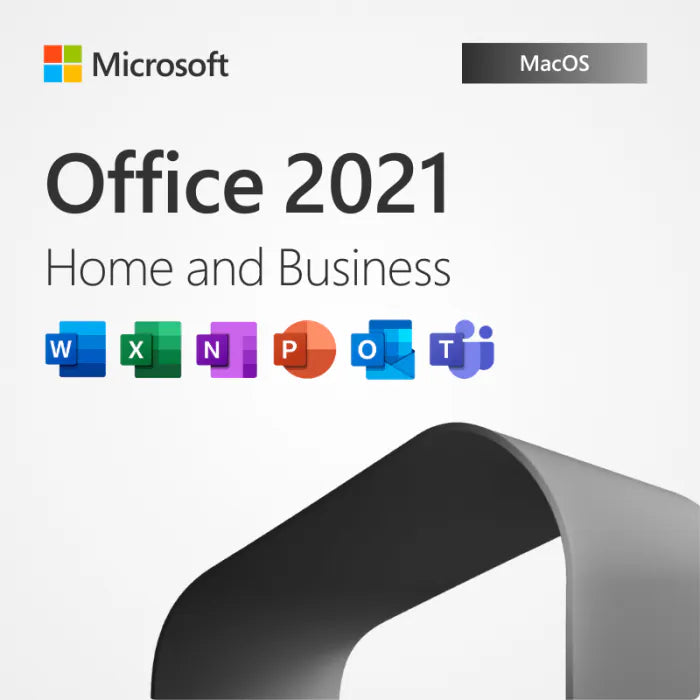
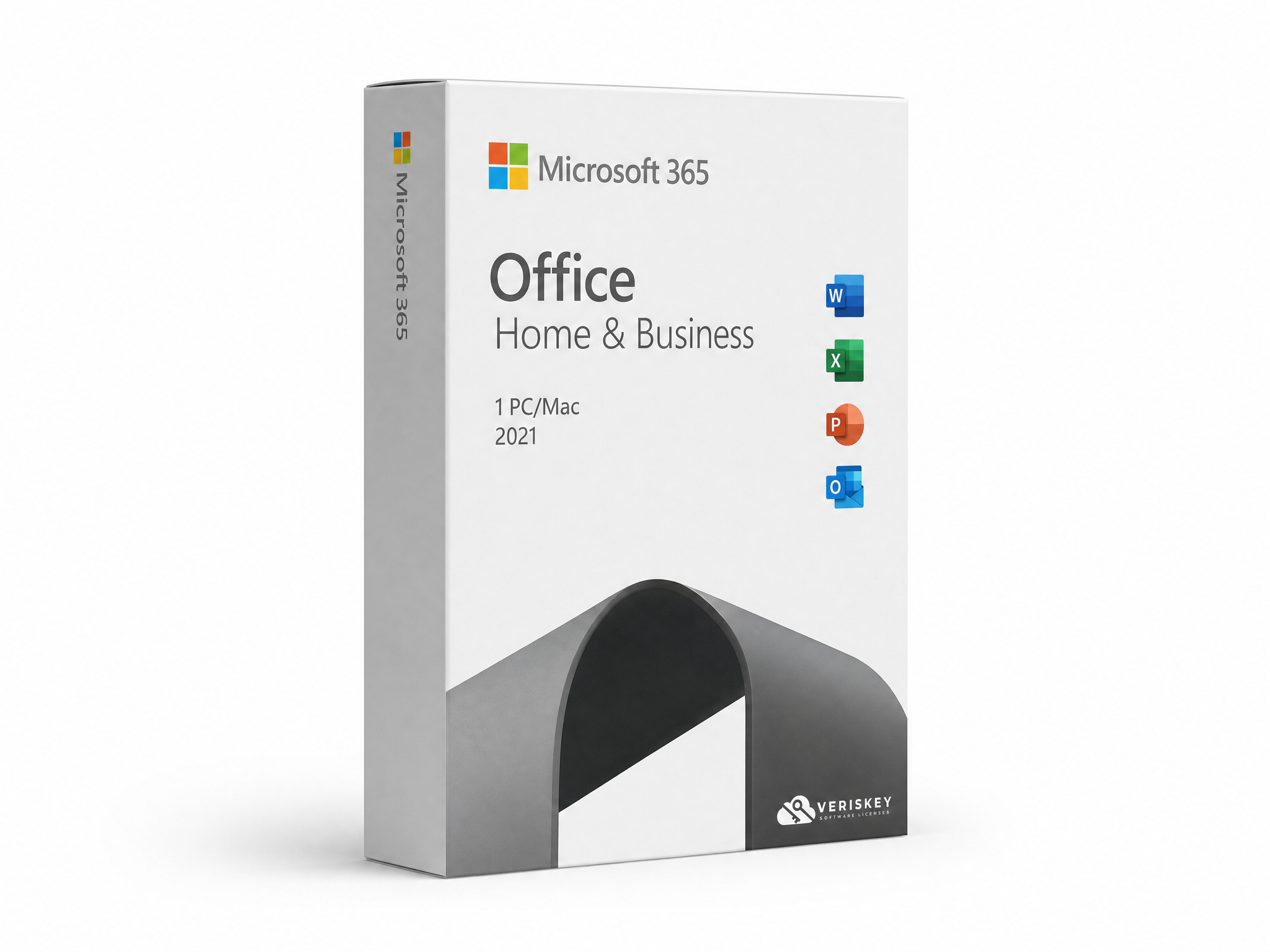
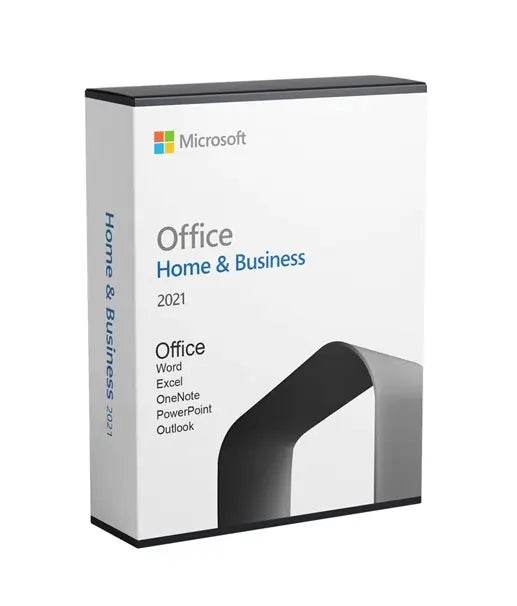

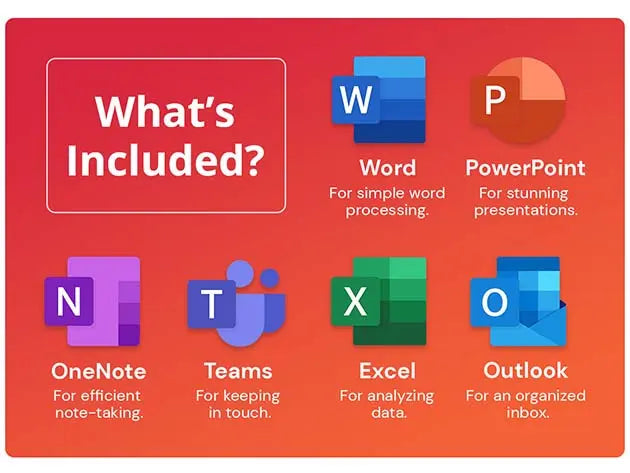


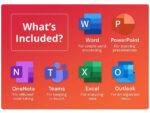




Microsoft Office 2021 Home & Business for Mac brings new co-authoring features, inking tools, data types, functions, translation and editing tools, motion graphics, and a range of ease-of-use improvements to your everyday work. Microsoft has also focused on performance, so everyday applications respond faster -- an especially noticeable improvement on older or less powerful computers. Veriskey Technologies offers this suite at a straightforward, competitive price.
What's New Across the Office Apps:
- Extended dark mode changes the visual style of the apps while also creating a better overview of your desktop when working across several programs at once
✓ Co-author documents: real-time co-authoring lets you work with others in the same document at the same time, with automatic notifications when a file is updated so there's no need to send extra notes or emails
✓ Modern comments: control when comments are sent to your co-authors, with a consistent commenting experience across Word, Excel, and PowerPoint
✓ Know who's in your document: see who else is working alongside you and where they are in the document, in Word, Excel, and PowerPoint
✓ Visual refresh: a modernized Start experience and newly refreshed ribbon tabs, with a clean, clear style featuring monoline iconography, a neutral color palette, and softer window corners that communicate action through simple visuals
✓ Expanded stock media: Microsoft is constantly adding rich media content to the Office Premium Creative Content collection, a curated library of stock images, icons, and more to help you express yourself
✓ Microsoft Search: a powerful search box at the top of your Office apps that helps you quickly find what you're looking for, from text to commands to help and more
✓ Accessibility Checker: keeps an eye on your documents and tells you in the status bar when it finds something you should look at, accessible via Review > Check Accessibility
✓ Performance improvements: improved performance, stability, and speed across Word, Excel, PowerPoint, and Outlook, including faster calculations for common Excel functions like SUMIF, COUNTIF, and AVERAGEIF
✓ Updated Draw tab: quickly access and change the color of all your inking tools in one place, with new additions including Point Eraser, Ruler, and Lasso
✓ Autosave: upload your files to OneDrive, OneDrive for Business, or SharePoint Online to make sure all your updates are saved automatically
- Support for the OpenDocument Format (ODF) 1.3 specification, which adds support for many new features
✓ Sketched style outline: give shapes in your presentations a casual, hand-drawn look using the Curved, Freehand, or Scribble options under Format Shape > Line > Sketched style
✓ Hex color input: a new field in the Colors dialog lets you enter Hex color values directly (for example #0F4C81) wherever you can define a color, so you don't need to convert them to RGB
New in Excel:
✓ XLOOKUP: row by row, find anything you need in a table or range
✓ Dynamic arrays: write one formula and return an array of values, with six new functions to expedite calculations and insights -- FILTER, SORT, SORTBY, UNIQUE, SEQUENCE, and RANDARRAY
✓ LET function: assigns names to calculation results, allowing you to store intermediate calculations, values, or names inside a formula
✓ XMATCH function: searches for a specified item in an array or range of cells and returns its relative position, and can also return a value in an array
✓ Sheet views: create customized views in an Excel worksheet without disrupting others
- An Accessibility ribbon that gathers all the tools you need to create accessible content in one place
New in PowerPoint:
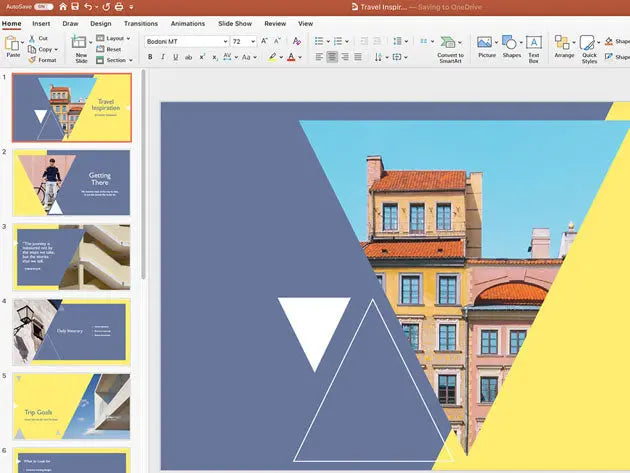
- Improved Record Slide Show, now supporting presenter video recording, ink recording, and laser pointer recording
✓ Ink Replay: apply the new Replay or Rewind animation to ink objects to get the drawing effect directly in your presentations, with adjustable timing to go faster or slower
- Tools to arrange slide elements in screen-reading order so you can re-arrange them as necessary to communicate your message effectively
- Link to a slide, so a colleague can be directed to start contributing on the exact slide you need help with
New in Outlook:
✓ Translator and ink: translate email messages into more than 70 languages on the fly and view the transcript, all within Outlook, plus the ability to annotate email images or draw in a separate canvas using your finger, pen, or mouse
✓ Instant Search: use the search bar above the Outlook ribbon to quickly find email messages anywhere in Outlook
New in Word:
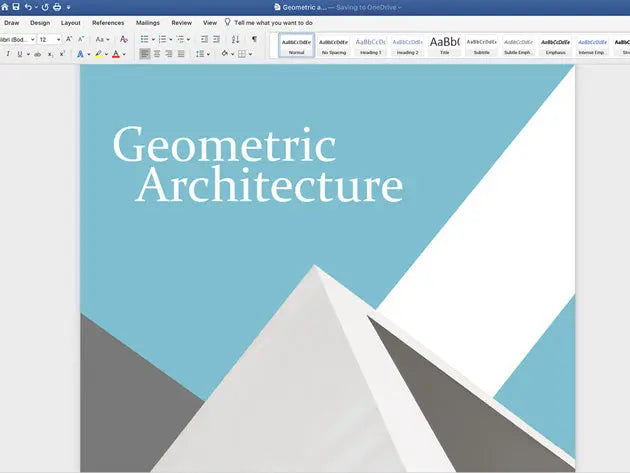
✓ Line Focus: move through a document line by line without distractions, adjusting the view to put one, three, or five lines in focus at a time
Microsoft Teams Replaces Skype for Business:
Skype for video conferencing was standard equipment in Office 2019 and earlier versions, but with Microsoft Office 2021 Home & Business for Mac this is a thing of the past. Microsoft has been encouraging users to switch to Teams, which is now an integral part of the Office suite -- the Skype for Business client is no longer included, though it has not been removed without a replacement. Video conferences with large groups, surveys among participants, and expanded sharing of different files are available as practical features in the revised version of Microsoft Teams.
Get started today with a genuine Veriskey license for Microsoft Office 2021 Home & Business for Mac.
- 1Complete checkout — your key is emailed within minutes.
- 2Download the official installer from the Microsoft website.
- 3Run the installer and enter your key when prompted.
- 4Sign in with your Microsoft account and activate. Done.
- How fast will I receive my key?
- Your key is delivered to your email within minutes of payment confirmation.
- Is this a genuine license?
- Yes. All keys are 100% genuine and sourced from authorized distributors.
- What if my key doesn't work?
- Contact our support team. We offer a full replacement or refund guarantee.
- OS: Windows 10 / 11 or macOS 10.15+
- Processor: 1.6 GHz or faster
- RAM: 4 GB minimum
- Storage: 4 GB available space
- Internet connection required for activation